
WHOLESALE AND DISTRIBUTORS
Manage dealer distribution alongside changing orders.
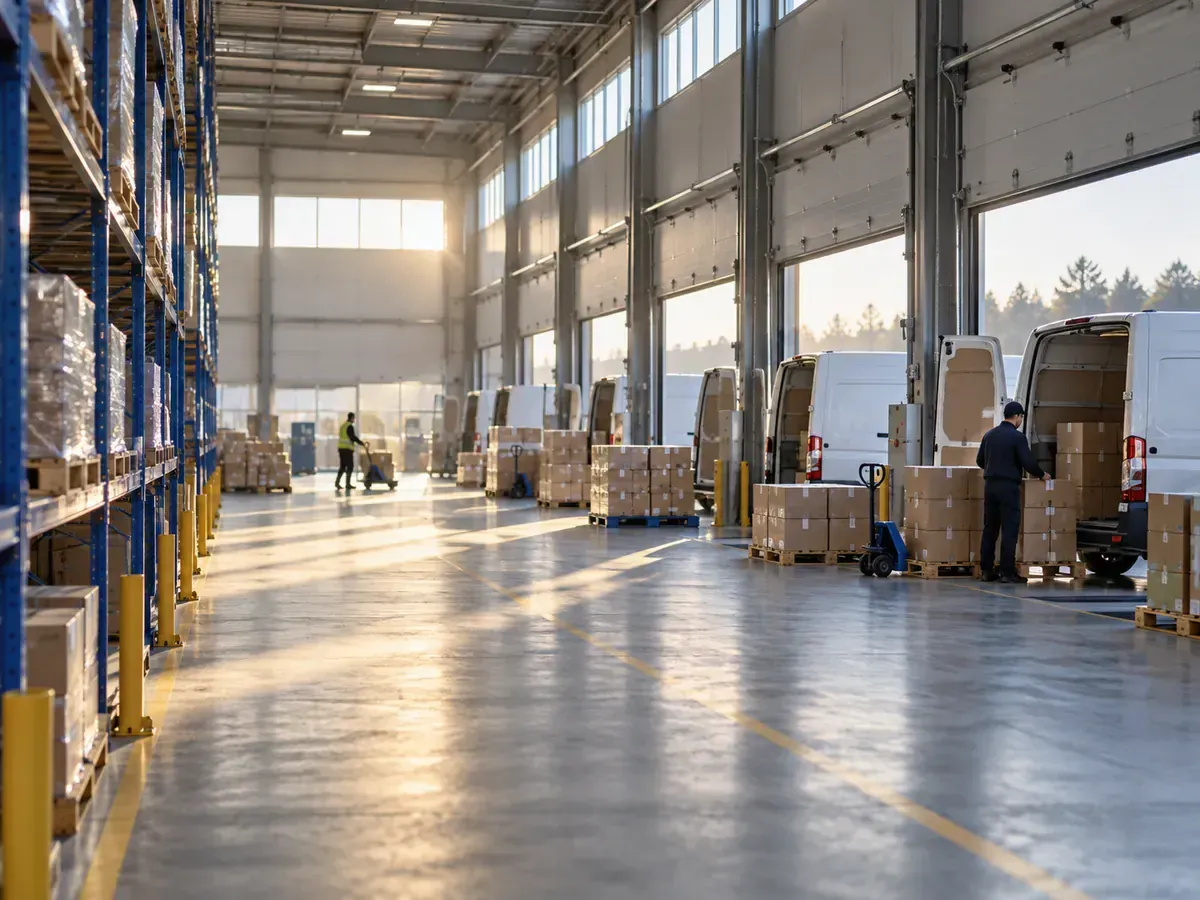
Plan dealer and customer deliveries around order quantities, delivery days, vehicle capacities and delivery times. Organize recurring distribution operations more systematically.
CHALLENGES
The daily planning load of distribution
- 01
An order set that changes every day
Delivery points and quantities change from day to day. Yesterday’s route does not fit today’s orders.
- 02
Many stops per vehicle
Sequencing dozens of dealer and customer stops by hand takes time and adds unnecessary distance.
- 03
More than one depot
Deciding which depot and which vehicle serve each order quickly makes planning complex.
- 04
Changes during the day
Cancelled or late orders can make the plan published in the morning obsolete by the afternoon.
HOW TRACKINIA HELPS
How Trackinia builds your distribution plan
Multi-stop route optimization
Stop sequences are calculated around vehicle capacity, customer delivery windows and service time at each stop.
Multi-depot planning
Set separate start and end depots for vehicles. When needed, vehicles can return to a depot during the day to reload.
Priorities and unplanned work
Prioritise orders and mark optional work. When capacity runs short, unplanned work is listed with a reason.
Replanning the remaining work
When conditions change, the remaining work of a published plan is recalculated. The proposal takes effect only after you review and publish it.
EXAMPLE SCENARIO
Daily dealer distribution from two depots
A building materials distributor delivers every day from two depots to dealers and construction sites in its region. The order list is finalised each evening, and vehicles are loaded and leave the next morning.
Illustrative example: this scenario shows how the product can be used. It is not a customer case or a measured result.
- 1
The day’s orders are imported, each stop with its delivery window and service time.
- 2
Each order names the depot it is loaded at; the calculation distributes orders to suitable vehicles and sequences the stops.
- 3
When orders change during the day, the remaining work is recalculated, and the planner reviews and publishes the proposal.
- 4
Drivers see their routes in the driver app, and completed and failed visits reach the office as execution records.
Relevant Trackinia capabilities
Intelligent Planning and Optimization
Builds multi-stop routes around capacity, delivery windows and service time.
See the details: Intelligent Planning and OptimizationOperations and Fleet Management
Lets you manage orders, vehicle and driver assignments and published routes in one place.
See the details: Operations and Fleet ManagementDriver App
Drivers see the next stop and report each visit as completed or failed.
See the details: Driver App
Frequently asked questions
How are routes built for orders that change every day?
Import the day’s orders from a file or through the API and start a new calculation. Routes are rebuilt from your current vehicles, drivers and planning rules.
Can a vehicle return to the depot during the day to reload?
Yes. Depot returns and reloading can be configured for vehicles, so one vehicle can make several trips in a day.
Can we replan when orders change during the day?
Yes. The remaining work of a published plan can be recalculated. The proposal does not change the current plan until you review and publish it.
Are customer delivery hours taken into account?
Yes. Each job can have one or more delivery windows, and arrival is planned around those windows and the service time at the stop.
Plan your operations more efficiently with Trackinia.
Let us plan a demo around your own orders, vehicles and rules.