
VEHICLE & DRIVER PLANNING
Assign the right vehicle and driver to each task.
Evaluate your vehicles and drivers in one planning process. Organize operations around capacity, working hours, resource availability and task requirements.
CHALLENGES
Why is resource planning more than a list?

- 1
Unsuitable resource assignments
A vehicle being available does not mean it is suitable for every delivery.
- 2
Changing working and availability conditions
The days and hours when vehicles and drivers are available can differ.
- 3
Working time and break rules
Drivers’ working hours and break needs decide whether a plan can actually be carried out in the field.
HOW TRACKINIA HELPS
How does Trackinia plan resources together?
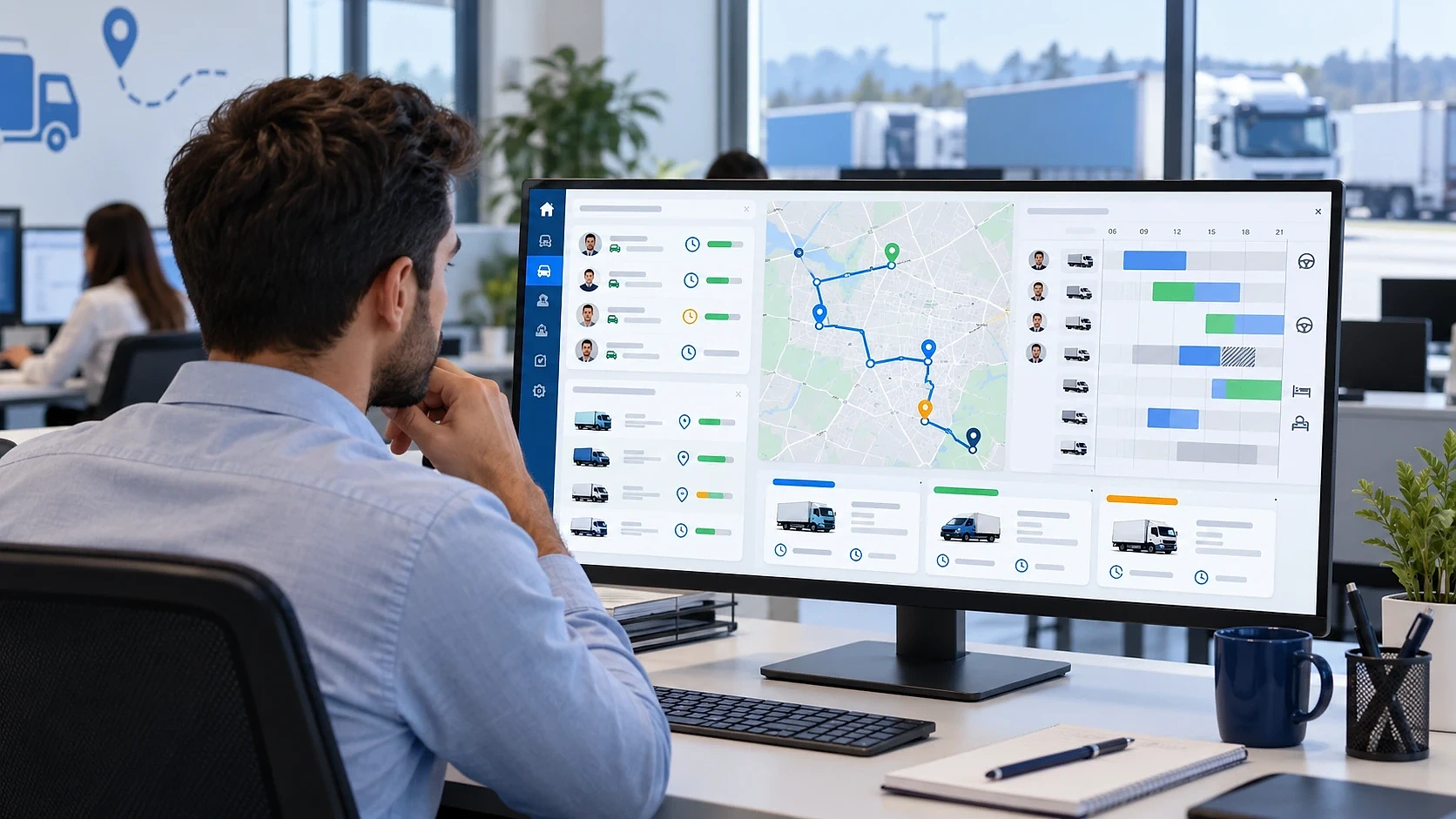
Vehicle and driver selection
You choose the vehicles and drivers that take part in planning and review the resulting assignments and routes.
Capacity constraints
Weight, volume and count capacities are taken into account, and vehicles with different capacities can be planned together.
Work calendars
Weekly working hours, date-specific exceptions and planned breaks are defined for drivers.
Skills and vehicle features
If a task requires a driver skill or a vehicle feature, it is assigned only to suitable resources.
Reviewing assignments
You review calculated assignments on the map and timeline and change a driver assignment when needed.
IN DETAIL
Why vehicles and drivers are considered together
In route planning, a vehicle and a driver are two resources with different constraints. The vehicle sets capacity, shift and features; the driver sets working hours, breaks and skills. A task can be assigned only if both fit, so looking at the vehicle list alone is not enough.
Driving and rest times in road transport are limited by regulation (for example Regulation (EC) No 561/2006 in the European Union). Trackinia does not guarantee regulatory compliance by itself; it applies the working-hour and break rules you define. Defining them correctly is the operator’s responsibility.
Mathematical optimizationHow does this work in Trackinia?
- 1
Candidate vehicle pool
The plan considers the vehicles in the pool. Adding a vehicle does not require it to be used and does not guarantee it suits the work.
- 2
Working calendars
A plan has optional common working days and hours; drivers’ weekly and date-specific calendars are defined independently of it.
- 3
Route driver assignment
A driver can be assigned through the calculation or afterwards. An assignment that does not fit the working calendar raises a warning that can be knowingly accepted with a reason; an overlapping route reservation blocks the assignment.
- 4
Driver handover
On an active route, responsibility can be handed to another driver; the handover is recorded and the new driver is reserved only for the remaining time.
- 5
Operations without drivers
Companies that do not keep driver records can still plan using organization working hours. Driver application access is optional.
Scope and limits
- No compliance certificate is issued; only the working and break rules you define are applied.
- Skill and vehicle-feature matching relies on the labels you define.
- Fair workload balancing between drivers is not supported today.
EXAMPLE SCENARIO
A fleet with gaps on some days
Some of a company’s vehicles are unavailable on certain days, and some drivers have restricted working hours. Assignments only work when both resources fit together.
Illustrative example: this scenario shows how the product can be used. It is not a customer case or a measured result.
- 1
Drivers’ weekly working hours and date-specific exceptions are defined.
- 2
Vehicles and drivers are selected for the plan.
- 3
Tasks are assigned to vehicle and driver pairs that fit both the capacity and the work calendar.
- 4
The operations team reviews the result and changes a driver assignment if needed.
Frequently asked questions
How do vehicle and driver availability affect route planning?
For a route to be valid, the vehicle’s capacity and the driver’s working hours must fit the tasks. The calculation assigns tasks to vehicles and drivers that meet these conditions.
Can different vehicle capacities be taken into account?
Yes. Vehicles can be defined with different capacities and features and are evaluated together in the same plan.
Can resource availability change by day?
For drivers, weekly hours can be combined with date-specific exceptions. This information is taken into account during planning.
Can I plan without drivers?
Yes. A driver can also be assigned after the calculation. Routes waiting for a driver can be published but cannot start until a driver is assigned.
Can the same driver be assigned to two routes at the same time?
No. Overlapping current reservations block the assignment. An assignment that does not fit the working calendar raises a warning and can be knowingly accepted with a reason.