
RETAIL AND STORE CHAINS
Plan store deliveries together with receiving hours.
Evaluate delivery receiving hours, vehicle capacities and stop sequences together for shipments to different stores. Create daily distribution plans around the conditions of store operations.
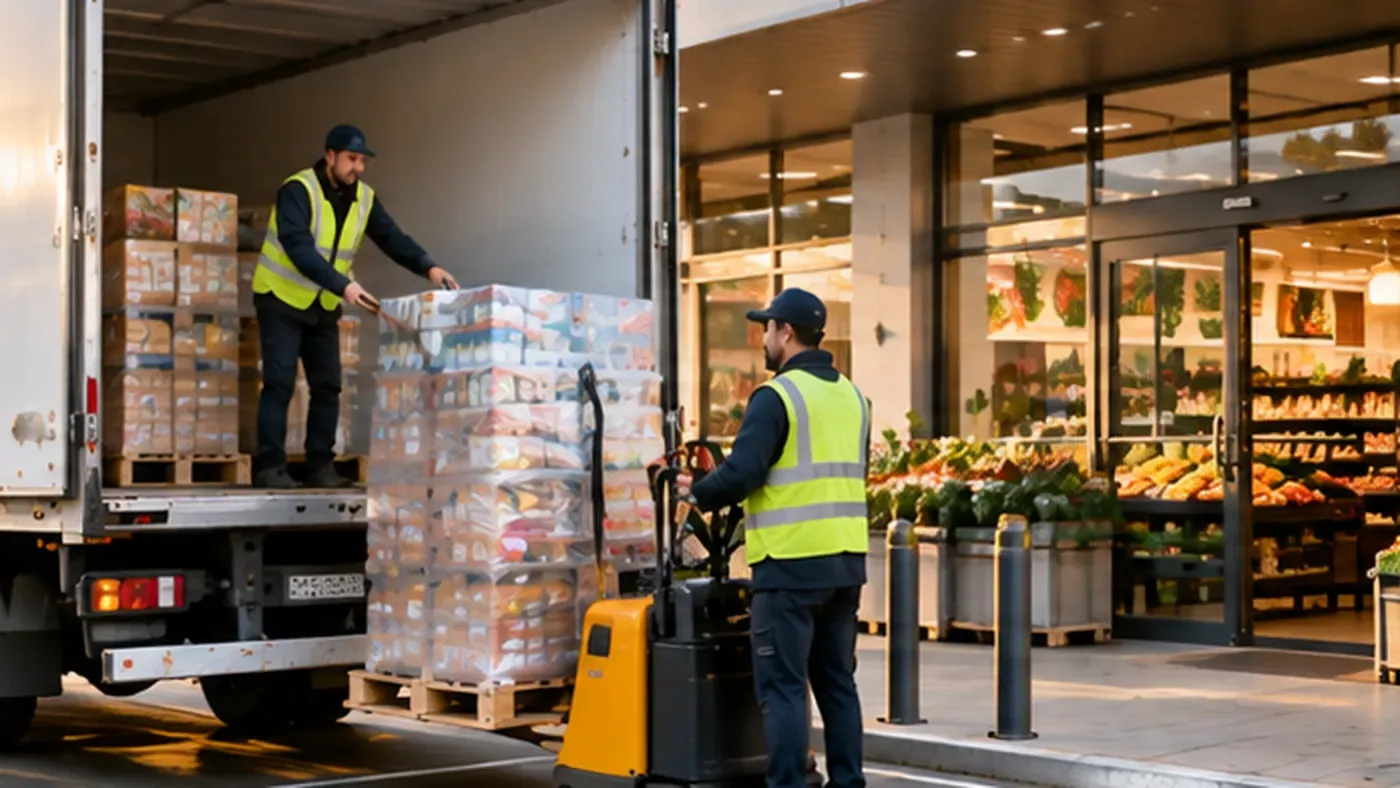
CHALLENGES
The main challenges of store replenishment
- 01
Narrow receiving hours
Stores often accept deliveries before opening or at set hours. A late vehicle means an empty shelf.
- 02
Urban delivery conditions
At malls and high-street stores, vehicle type and unloading time decide how long a delivery takes.
- 03
Volume that varies by store
Each store orders a different volume. Vehicles must be filled efficiently and stores in the same area planned together.
- 04
Calendars that must line up
When store receiving days, warehouse hours and driver shifts do not match, the plan breaks in the field.
HOW TRACKINIA HELPS
How Trackinia plans your store distribution
Routes that fit receiving hours
Define one or more delivery windows per store. Arrival times are planned around those windows.
Service time per stop
Add the unloading time at the store to the delivery job. The timeline accounts for the work at the stop, not just the driving.
The right vehicle for each store
If only suitable vehicles may go to certain stores, define the allowed vehicles or required vehicle features for the job.
Plans that follow your calendars
Warehouse opening calendars, company working days and driver calendars are part of the plan, with date-specific exceptions.
EXAMPLE SCENARIO
Morning store replenishment from a regional warehouse
A store chain replenishes its city stores from a regional warehouse every morning. Stores inside malls accept deliveries only before opening, while high-street stores take longer to unload.
Illustrative example: this scenario shows how the product can be used. It is not a customer case or a measured result.
- 1
Store orders are imported with item count, volume and each store’s receiving window.
- 2
The average unloading time at each store is set as its service time.
- 3
The calculation builds routes that respect receiving windows. Work that does not fit a window is shown with a reason.
- 4
Drivers report store deliveries in the driver app, and the office sees which stores received goods from the execution records.
Relevant Trackinia capabilities
Intelligent Planning and Optimization
Builds store routes that respect receiving windows, service times and vehicle capacity.
See the details: Intelligent Planning and OptimizationDriver App
Store deliveries are reported from the field as completed or failed.
See the details: Driver AppOperations and Fleet Management
Follow published routes, driver assignments and execution records in one place.
See the details: Operations and Fleet Management
Frequently asked questions
Can different store receiving hours be taken into account?
Yes. Each delivery can have one or more time windows. Windows can be strict or flexible, allowing lateness at a set cost.
Is unloading time at the store part of the plan?
Yes. Each job carries a service time at the stop, and the timeline shows driving, service, waiting and breaks together.
What if some stores can only be reached with small vehicles?
Define the allowed vehicles or required vehicle features for those stores’ jobs, and the calculation assigns them only to suitable vehicles.
Plan your operations more efficiently with Trackinia.
Let us plan a demo around your own orders, vehicles and rules.